
Reusable item layer
Keep the product object separate from the scene so the same item can move between white background, lifestyle, and promotional layouts.
 원본
원본 Layer 1
Upload a product photo or ecommerce image
JPG, PNG, WebP
이미지를 여기에 놓거나 클릭해 업로드
Free previews split into 2 layers; any credit pack or plan unlocks up to 8.
Upload a product photo or ecommerce image
JPG, PNG, WebP
이미지를 여기에 놓거나 클릭해 업로드
Free previews split into 2 layers; any credit pack or plan unlocks up to 8.
Ecommerce
Product photos need more than generic layer extraction. Ecommerce teams care about clean item edges, contact shadows, reflections, labels, props, and fast reuse across marketplace ratios.
Keep the product object separate from the scene so the same item can move between white background, lifestyle, and promotional layouts.
Separate support shadows or reflections when they are visible, so product images do not look pasted onto a new background.
Reuse the item layer across Amazon-style crops, Shopify sections, paid ads, comparison images, and bundle graphics.
Product photo layer separation splits one ecommerce image into practical editing parts: the product, shadow or reflection, background plate, packaging detail, and props. Use it when you need many listing or ad variants from one source shot.
Ecommerce workflow
Product teams often need the same item in multiple placements. Separating the object from its support layers makes it easier to test crops, backgrounds, and promotional layouts.
Input: product photo
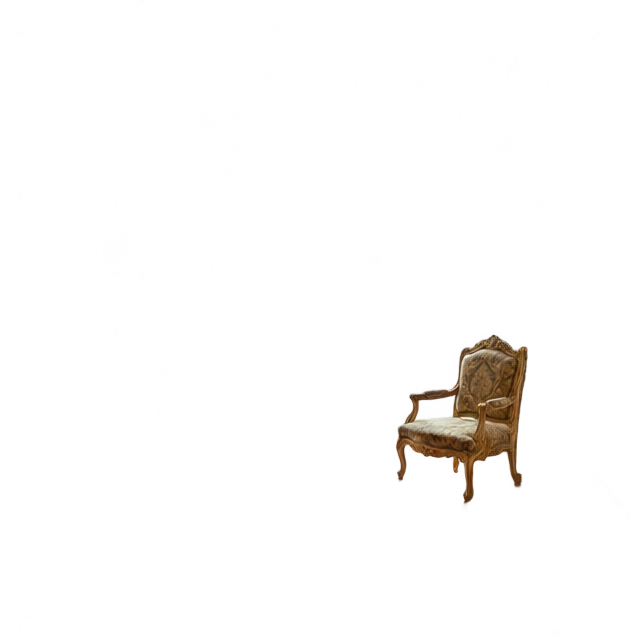
Output: product, shadow, background
01
Use a product image with visible edges, packaging detail, and lighting cues. White-background shots and lifestyle photos can both work.
02
Generate product, shadow, background, and prop regions. Labels stay as image pixels, which is better for packaging photos than fake live text.
03
Export layers and rebuild square listing images, wide hero banners, story ads, comparison blocks, or Figma catalog cards.
Ecommerce
Keep the product, its contact shadow, reflections and props on their own layers, then swap scenes or build marketplace variants in Photoshop without re-cutting the item.
Separate the item from background clutter before rebuilding white-background or category-compliant images.
Move the product object into new promotional frames while keeping shadows and support props editable.
Try multiple background colors, gradients, or lifestyle plates without re-cutting the product each time.
Reuse product layers across bundles, feature callouts, comparison tables, and campaign graphics.
Best fit
Each tool page has a different production intent, so the right page depends on output format, source image, and cleanup needs.
Use it for
Best for packaging, cosmetics, gadgets, shoes, furniture, jewelry, and lifestyle product shots where the item, support shadow, and background need separate edits.
Avoid when
Dense collages and posters are better served by the general image-to-layers page. Product pages should stay focused on commerce output quality.
Output focus
The page is tuned around reusable product parts, not artistic remixing. Keep shadows when you need realistic placement on new backgrounds.
Product layers
The model can create semantic layers for product, background, shadows, labels, and props when the source image has enough visual separation.
Yes. Separate product and shadow layers make it easier to rebuild square marketplace images, storefront sections, and ad crops from one source.
It aims to keep visible product details in the relevant layer. Very small text or low-resolution labels may need manual cleanup.
Usually yes. A separate shadow layer helps the product sit naturally on a new background and can be lightened, blurred, or hidden later.
No. It creates editable layer assets. You still need to apply each marketplace requirement for crop, margin, background, and text policy.
Erase stickers, dust, marks, or small distractions before splitting the product into layers.
Package product, shadow, and background layers into a Photoshop-ready handoff file.
Create campaign-style source visuals before separating them for channel variants.